 YetAnotherConfigLib
How to Update YACL Inside a Modpack Without Breaking the Set
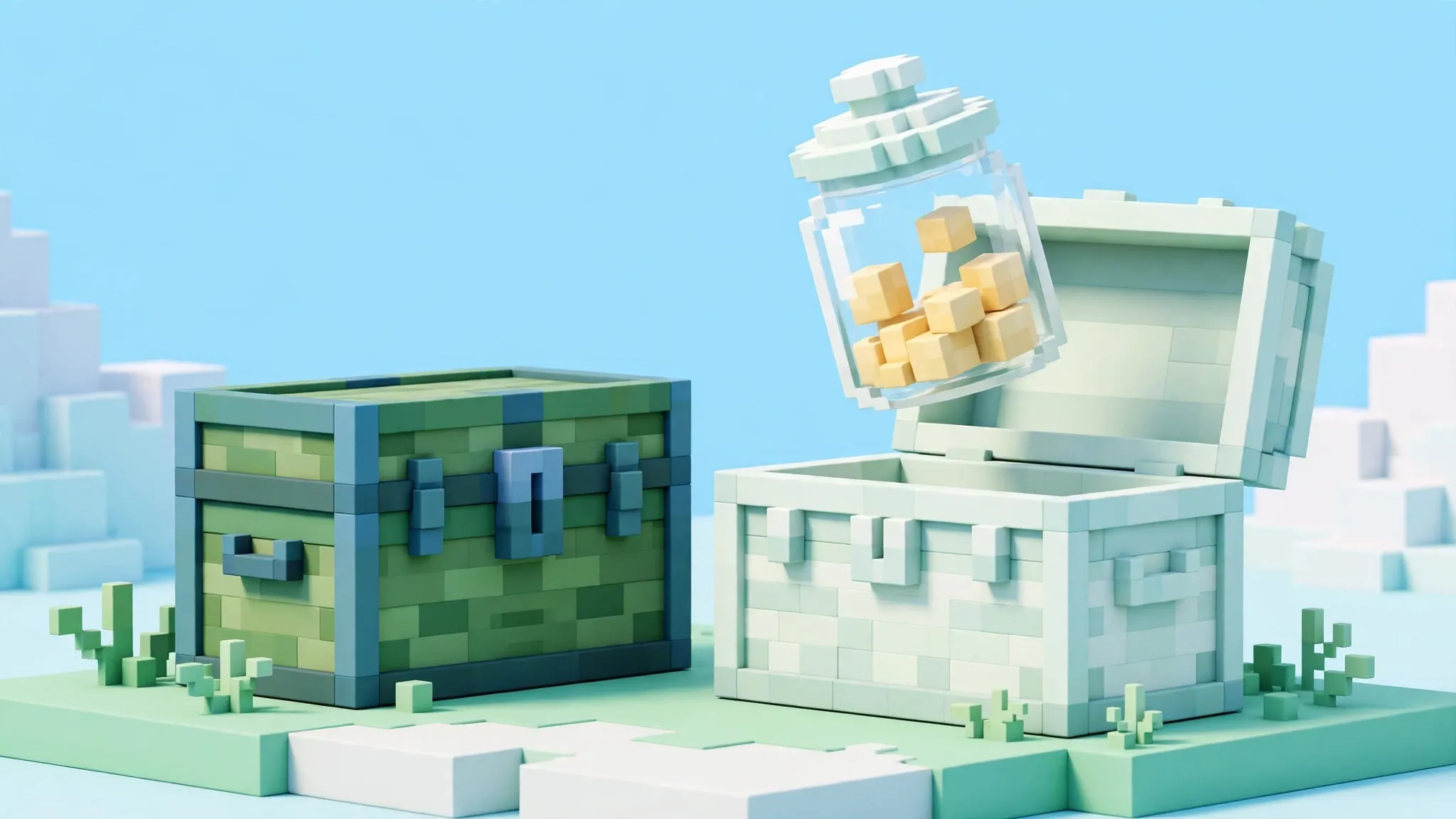
Update a pack's YACL in a copy of the instance, never in the original. Copy the instance, swap the library file in the copy, start it, test the mods that use the library, and only then decide whether the copy becomes your main profile. The original stays as your way back at every step.
Why packs resist casual updates
A pack's mods were tested together, and library versions are load-bearing parts of that test. A newer YACL can change a settings screen's behaviour, drop support for an older call a mod still makes, or simply sit outside a range a mod declared. None of that makes the new library bad. It makes the combination untested, and untested combinations fail at the worst times, usually after you have played for an hour.
There are good reasons to update anyway: a mod you added needs a newer library, a pack author instructs it, or a library fix solves a problem you actually have. The routine below lets you take the update while keeping the risk contained.
Make the copy properly
Use your launcher's duplicate or copy function for the instance where it offers one, so the copy gets its own folder and its own entry. If it does not, copy the instance folder in your file manager and add it as a new instance pointing at the copy. Name it clearly, with the word test or the date, so future you never wonders which copy is canonical.
Copy the whole instance, including config and saves if you want a realistic test, or leave saves out if you prefer to test in a fresh world. What matters is that the mods and config travel together, because those are the parts whose interaction you are testing.
Swap the library in the copy only
- In the copy's mods folder, note the shipped YACL filename and move that file out to a backup folder.
- Use the finder with the pack's game version and loader to select the target build. Respect any range caps the pack's mods declare.
- Place the new JAR in the copy's mods folder. Confirm exactly one YACL file is present.
- Start the copy and read the first screen carefully. A loader error here is a cheap answer; the original is untouched.
If the copy fails, read the message against the version-ranges guide. The usual story is a cap you crossed or a second dependency the new build needs. Fix it in the copy or abandon the update with nothing lost.
Test what the library actually serves
A title screen is necessary and not sufficient. Open the settings screen of each mod in the pack that uses YACL, change one option in each and confirm the changes hold after closing and reopening. Load a world and play briefly, since some screens and behaviours only initialise in game. Check the copy's latest.log for new warnings naming the library or its consumers.
Give the test a time box. If the copy behaves through a normal session, it has earned promotion. If anything feels off, you still have the original, and the comparison between the two is itself diagnostic.
Reading the pack's signals before you start
Pack authors leave signals about library policy. A changelog line that says libraries were updated to their latest safe versions tells you the author tests library bumps and probably tolerates yours. A line pinning a library after a problem tells you the opposite: that library caused pain and was deliberately frozen. Search the pack's changelog for YACL before updating it. Five minutes of reading can veto the whole project, cheaply.
The pack's issue tracker is the second signal. Search it for the library's name. If other players report the exact update you plan, their outcome is your forecast, including the version where it started working.
Keeping the test honest
Test the copy the way you actually play. A library that survives an empty test world can still fail in your real world, where more chunks, entities and mod interactions are live. Load a copy of your real world in the test instance for the final check, and keep the original instance untouched until that session ends well. If your play involves a server, remember the copy tests only your side; a client library change does not need the server's permission, but a failed test on a live server costs goodwill, so finish testing locally first.
Communicating with the pack author
If your copy-test succeeds and the pack's own set had failed, a short report is a genuine contribution: pack version, the shipped library build, the build you tested, and the mod whose requirement forced the change. Authors fold such reports into the next pack release, and your one message can retire the problem for every player on that pack version. Keep the tone factual and the versions exact, and attach the loader message if there was one.
If the test fails, the same report, with the failure message, tells the author where the ceiling sits. Either way the pack gets better, and your notes gain a dated entry about the library's limits in this set.
How long to keep the original
Keep the untouched original until the copy has survived the kind of session the pack is for: a long play, a world save and reload, and a full restart of the game. Pack problems like to hide in the second hour. Once the copy has carried a real session, promote it and let the original go, or keep the original as the archive and play the copy under a clear name. Two half-trusted instances lingering for months is the outcome to avoid.
Reading the pack's changelog for library news
Pack changelogs mention library bumps in a single line among many, easy to skim past. Before updating a pack, search its changelog for the library's name and for the word dependency. A line saying the library moved tells you the author retested the set around the new build, which is the strongest signal that the update is safe to take whole. Silence about the library, in a pack update that changes content mods with known floors, is the signal to copy-test first, because the pairing may not have been re-examined.
Keep your own note of the pack version where you last verified the library pairing. When a later update disappoints, that note names the last known-good set to return to.
The half-updated pack
Interrupted pack updates leave a set that is half old and half new, and library mismatches are their favourite symptom, because the library and its strictest dependent often sit on opposite sides of the interruption. If a mismatch appears immediately after a pack update that stalled, crashed or was cancelled, do not hand-fix the library. Let the launcher complete or repeat the update, or reinstall the pack version cleanly, then check again. Hand-fixing a half-applied update builds your copy on a set that never existed in the author's testing.
Knowing when to stop updating the pack
Sometimes the right call is to freeze a pack at a version that works and stop chasing its updates, especially when your added mods have settled into a balance the new pack version disturbs. Freezing is a legitimate maintenance decision, not a failure. Record the frozen version and its library build, decline further updates in the launcher, and play. The guides on this site support frozen setups exactly as they support current ones, because every check is run against the set you actually have.
The pack author's set is a promise
A pack release is the author's promise that its files agree. Updating the library inside the pack replaces one term of that promise with your own judgement, which is sometimes necessary and always worth doing in a copy first. When the copy proves your judgement right across a real session, you have not just fixed your game; you have information the author's next release can use. When it proves wrong, the original still holds the promise intact, and nothing was spent but an instance slot and some curiosity.
Leave the original better than you found it
When your copy experiment ends, tidy both instances: the copy gets the notes explaining what changed and why, and the original gets a note that an experiment exists. Future sessions then start from knowledge instead of archaeology. Packs reward this housekeeping more than most software, because a pack is a long relationship with a changing set, and its history is half its documentation.
Promote or discard
To promote the copy, either keep playing in it, moving your saves across if they were not copied, or repeat the same file swap in the original now that it is proven. Repeating the swap in the original keeps your profile names and history tidy; playing on in the copy keeps the evidence chain simpler. Either is fine. What matters is ending with one canonical instance and notes that say which YACL build it runs.
Discard failed copies rather than leaving them to confuse later sessions, but keep the notes. A line saying the pack rejected YACL above a certain version saves you from re-testing the same idea after the next update.